تم تصميم NoxPlayer لنظامي التشغيل Windows و MAC OS، يرجى زيارة هذا الموقع عبر متصفح الكمبيوتر لتنزيل NoxPlayer.

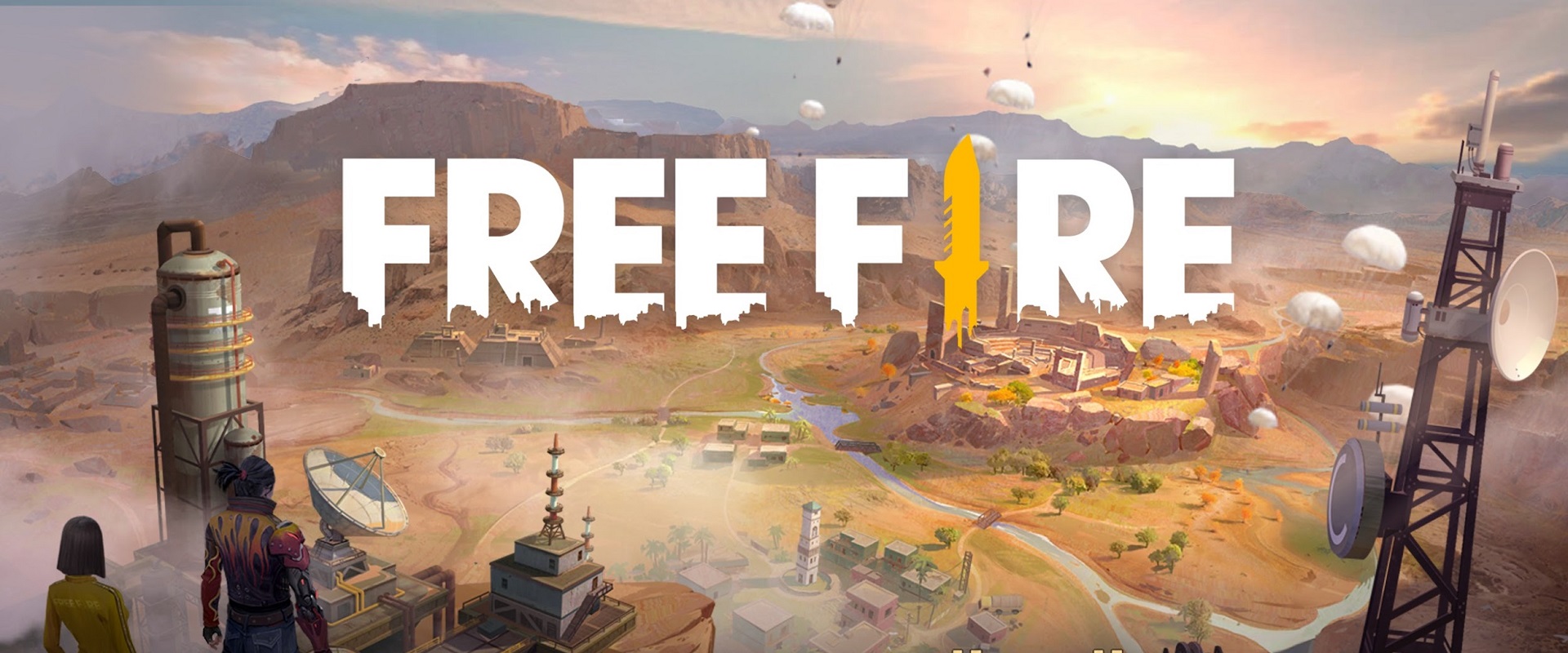
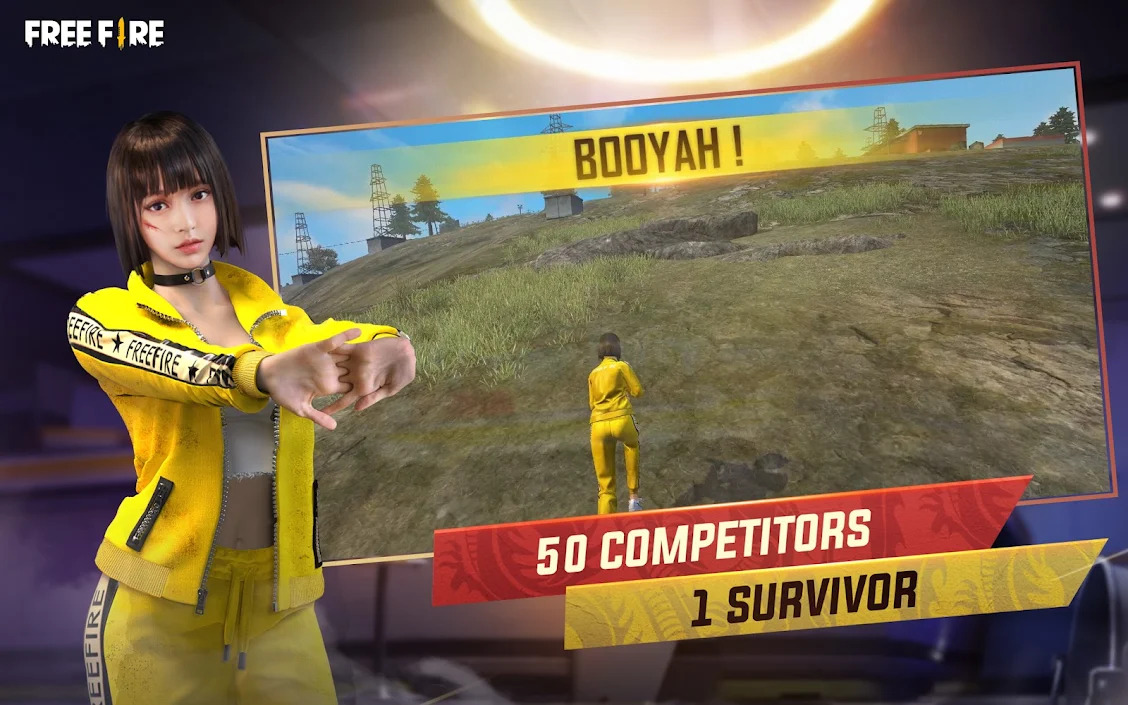
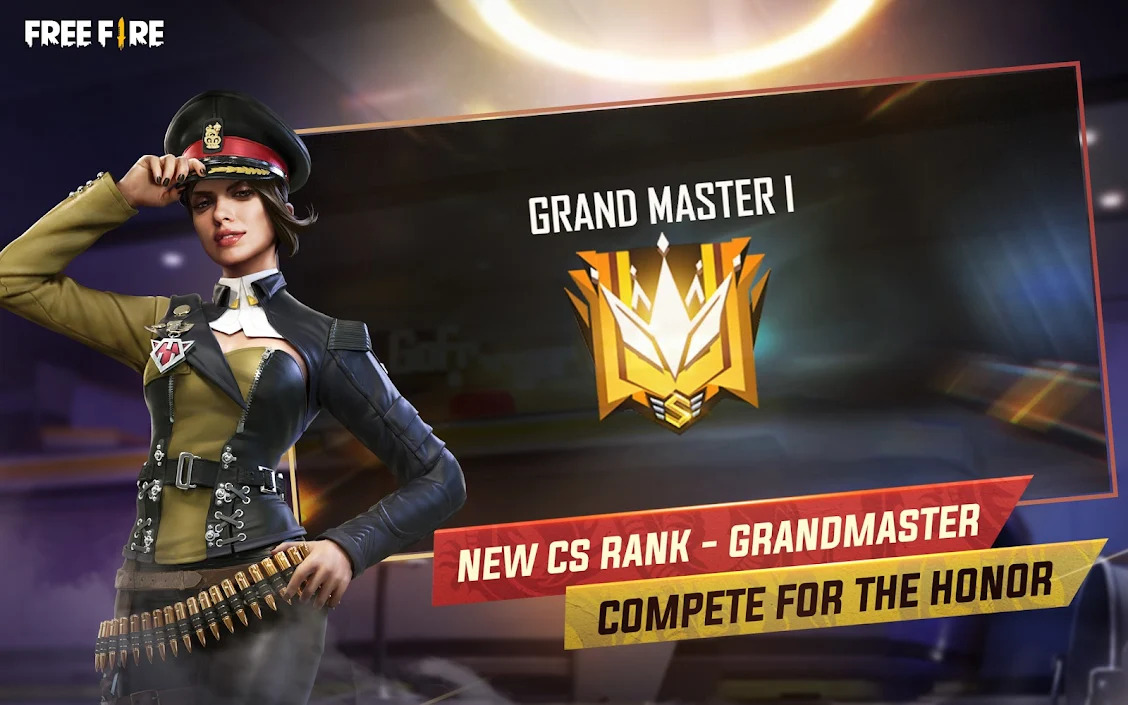
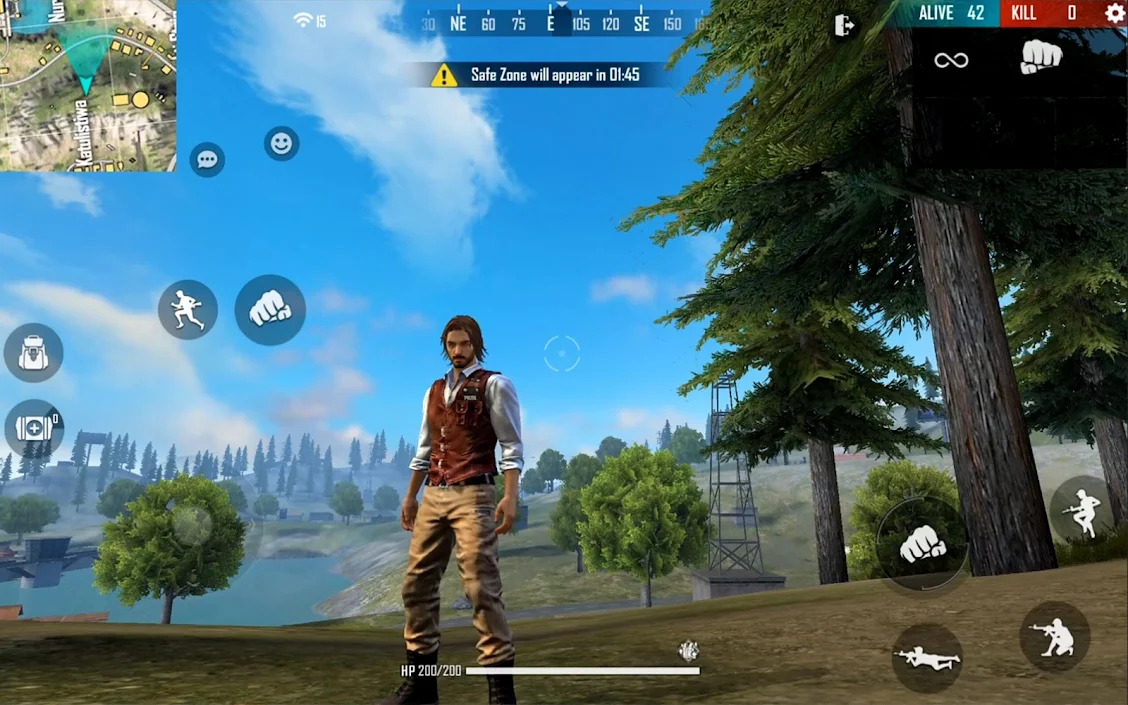
Free Fire is the ultimate survival shooter game available on mobile. Each 10-minute game places you on a remote island where you are pit against 49 other players, all seeking survival. Players freely choose their starting point with their parachute, and aim to stay in the safe zone for as long as possible. Drive vehicles to explore the vast map, hide in the wild, or become invisible by proning under grass or rifts. Ambush, snipe, survive, there is only one goal: to survive and answer the call of duty.
How to play Free Fire on PC?
1️⃣Download NoxPlayer emulator and install it.
2️⃣Sign in to access Google Play Store.
3️⃣Search for Free Fire in the searching bar.
4️⃣Install the game and enjoy!
[Survival shooter in its original form]
Search for weapons, stay in the play zone, loot your enemies and become the last man standing. Along the way, go for legendary airdrops while avoiding airstrikes to gain that little edge against other players.
[10 minutes, 50 players, epic survival goodness awaits]
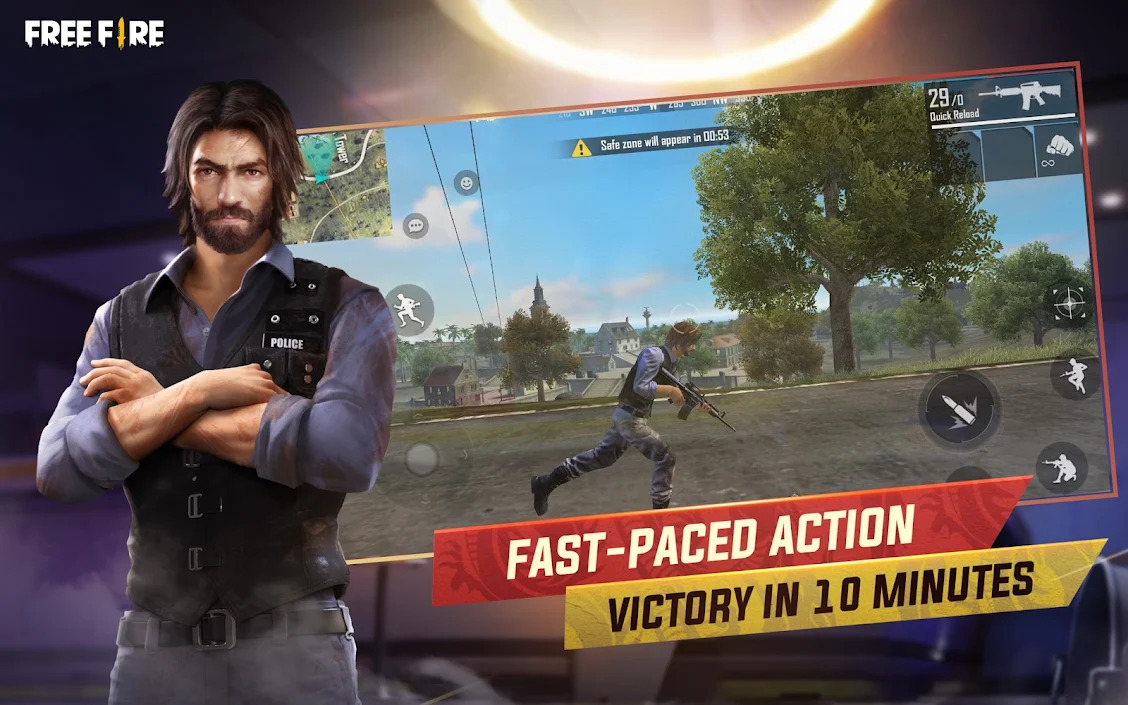
Fast and Lite gameplay - Within 10 minutes, a new survivor will emerge. Will you go beyond the call of duty and be the one under the shining lite?
[4-man squad, with in-game voice chat]
Create squads of up to 4 players and establish communication with your squad at the very first moment. Answer the call of duty and lead your friends to victory and be the last team standing at the apex.
[Clash Squad]
Fast paced 4v4 game mode is now open 24/7! Manage your economy, purchase weapons, and defeat the enemy squad!
[Realistic and smooth graphics]
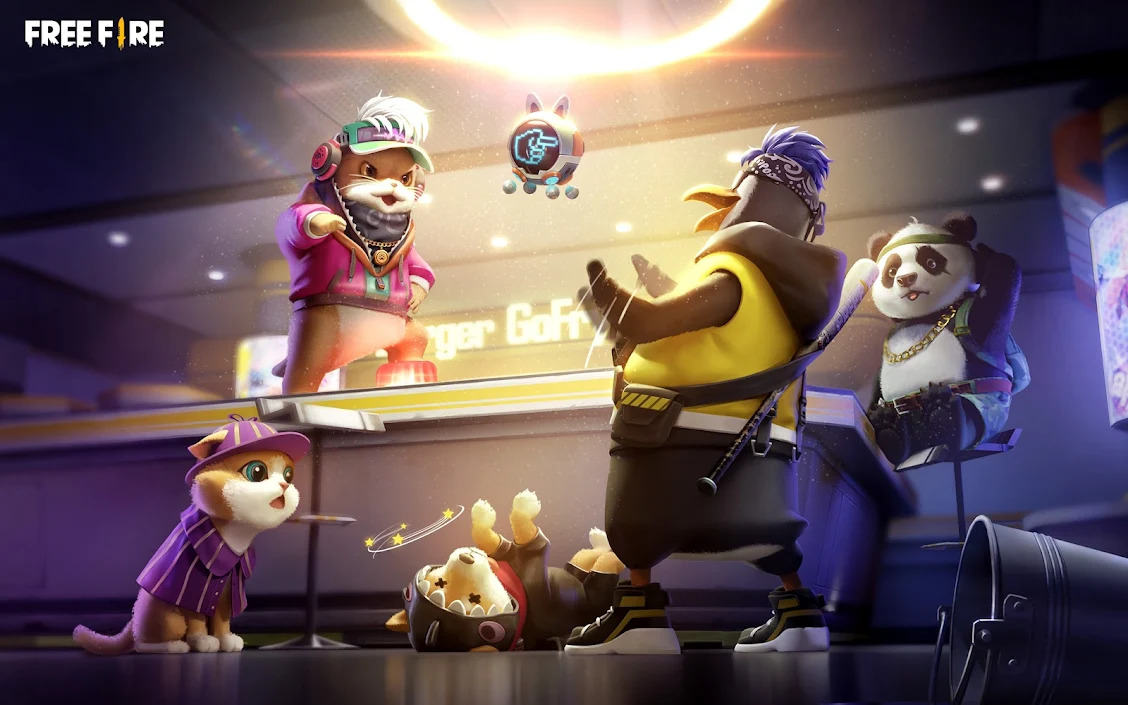
Easy to use controls and smooth graphics promises the best survival experience you will find on mobile to help you immortalize your name among the legends.


1قم بتنزيل NoxPlayer على جهاز الكمبيوتر

2شغّل حزمة التثبيت وأكمل التثبيت

3ابحث عن Garena Free Fire - Rampage على المحاكي

4قم بتثبيت اللعبة من متجر التطبيقات

5بعد التثبيت، انقر فوق رمز اللعبة لبدء اللعبة

6العب Garena Free Fire - Rampage مع NoxPlayer على جهاز الكمبيوتر
الطريقة 1. انقر على 'تنزيل على الكمبيوتر' لتنزيل كلاً من ملف الـ APK ومحاكي NoxPlayer في نفس الوقت. بمجرد اكتمال التثبيت، العب اللعبة على الكمبيوتر.
الطريقة 2. إذا كان لديك NoxPlayer بالفعل على جهاز الكمبيوتر، فانقر على' تنزيل APK'، ثم اسحب الملف وأسقطه في المحاكي لتثبيته.
تم تصميم NoxPlayer لنظامي التشغيل Windows و MAC OS، يرجى زيارة هذا الموقع عبر متصفح الكمبيوتر لتنزيل NoxPlayer.