تم تصميم NoxPlayer لنظامي التشغيل Windows و MAC OS، يرجى زيارة هذا الموقع عبر متصفح الكمبيوتر لتنزيل NoxPlayer.

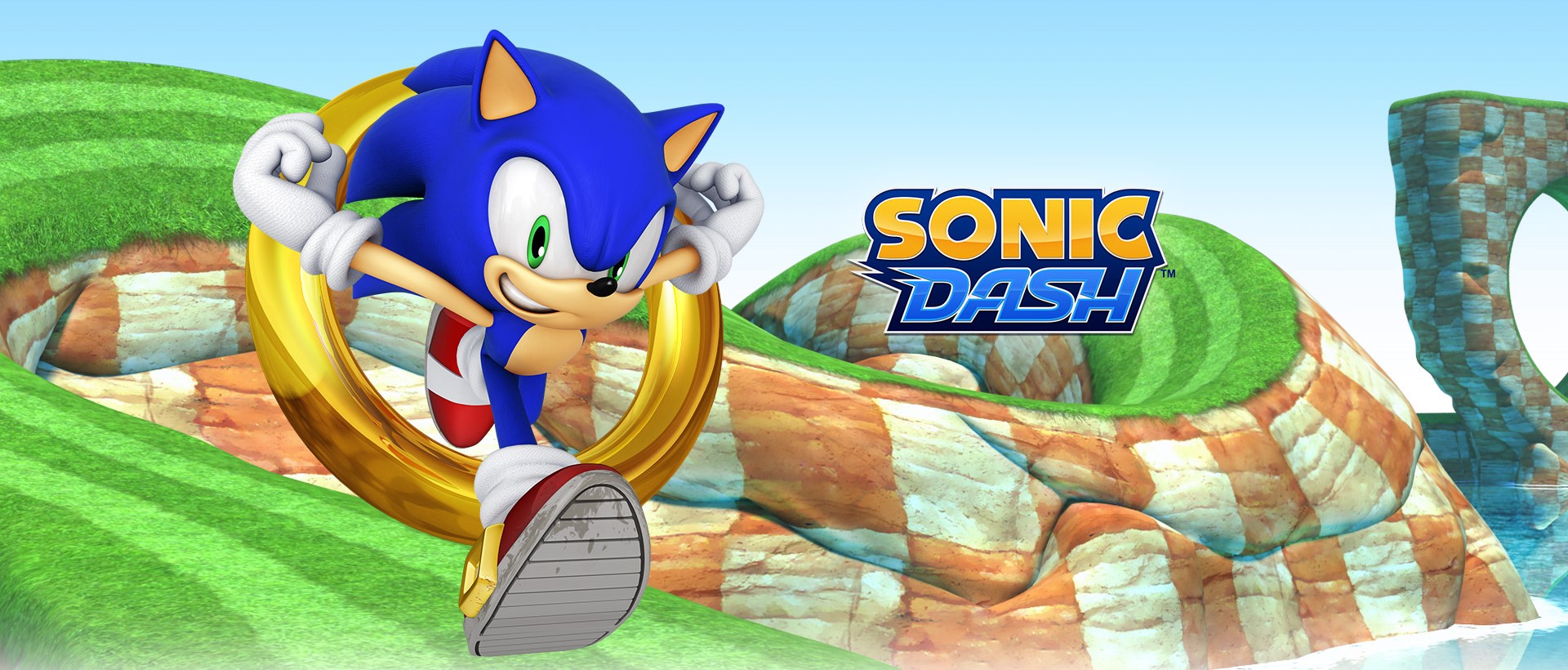
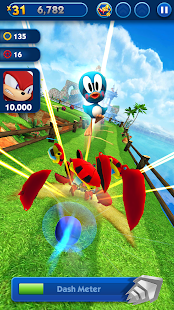
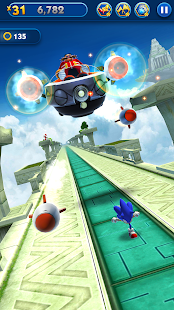
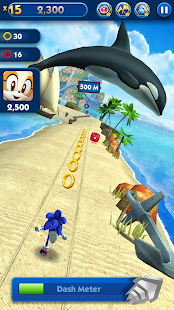
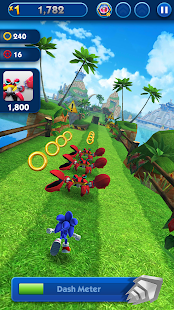
Download and play Sonic Dash - Endless Running & Racing Game on PC with NoxPlayer! Sonic Dash - Endless Running & Racing Game is a popular casual arcade game based on the famous IP Sonic. Sonic Dash is developed by SEGA that also developed other Sonic series games. NoxPlayer is the best emulator to play Sonic Dash - Endless Running & Racing Game on PC. You can download Sonic Dash - Endless Running & Racing Game apk in here and find Sonic Dash - Endless Running & Racing Game guide and gameplay on our blog.
Swipe your way over and under as you race past challenging obstacles in this free fast and frenzied endless running game!


1قم بتنزيل NoxPlayer على جهاز الكمبيوتر

2شغّل حزمة التثبيت وأكمل التثبيت

3ابحث عن Sonic Dash - Endless Running & Racing Game على المحاكي

4قم بتثبيت اللعبة من متجر التطبيقات

5بعد التثبيت، انقر فوق رمز اللعبة لبدء اللعبة

6العب Sonic Dash - Endless Running & Racing Game مع NoxPlayer على جهاز الكمبيوتر
الطريقة 1. انقر على 'تنزيل على الكمبيوتر' لتنزيل كلاً من ملف الـ APK ومحاكي NoxPlayer في نفس الوقت. بمجرد اكتمال التثبيت، العب اللعبة على الكمبيوتر.
الطريقة 2. إذا كان لديك NoxPlayer بالفعل على جهاز الكمبيوتر، فانقر على' تنزيل APK'، ثم اسحب الملف وأسقطه في المحاكي لتثبيته.
تم تصميم NoxPlayer لنظامي التشغيل Windows و MAC OS، يرجى زيارة هذا الموقع عبر متصفح الكمبيوتر لتنزيل NoxPlayer.